Model 8 Downloads
Download Model 8.
Pick your platform below. The current release is 3.0.4, with all the newest instruments, sync and editing tools. Activate it with the license key from your email receipt.
Model 8 · 3.0.4
Current
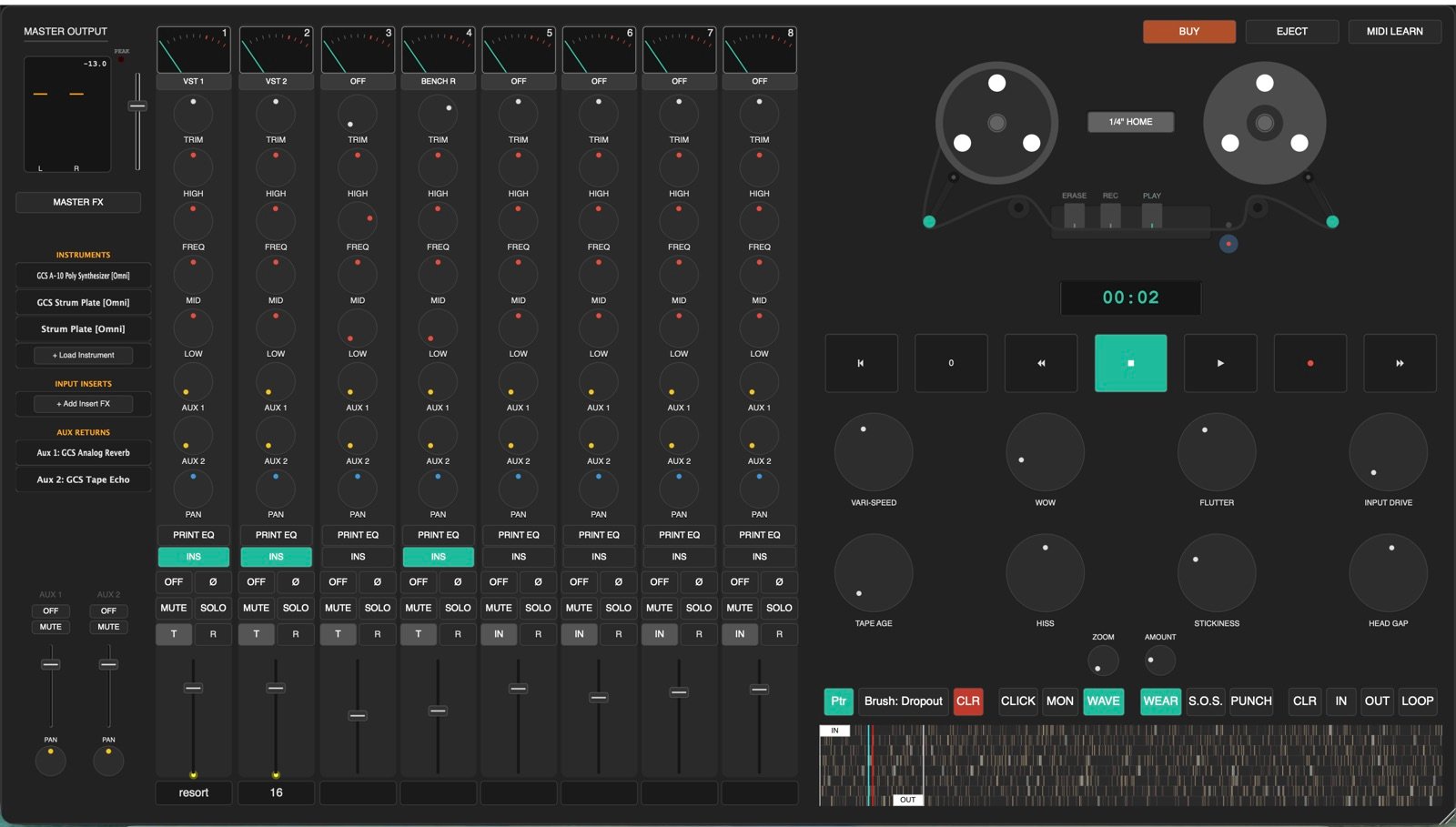
3.0.4 adds Locators for jumping around a song, and fixes phantom movement in the VU meters.
It includes everything from the big 3.0.3 update: sampled pianos and guitar amps, true tempo
sync, tape loop and splice benches, new themes, and a full-screen mixer.
Need the key? Your license key is in your email receipt. Do not have a license yet? Start the free 10-day trial or grab the free iPhone version from the main page.
Getting set up
- Unzip the downloaded file to your drive.
- On macOS: open the
.dmgand follow the setup. It installs the standalone app. - On Windows: run the
.exeinstaller and follow the prompts. - Launch the standalone Model 8 application.
- Activate with the license key from your email receipt.
What’s new in 3.0.4
A small update on top of 3.0.3.
Editing
- Locators. Set your own jump points anywhere in a song and call them whatever you want, like verse, chorus or bridge. Move straight to any of them while you work.
Fixes
- Phantom VU meter movement. The meters no longer show movement that isn’t there.
What’s new in 3.0.3
Everything from the big 3.0.3 update, all still included.
Audio Engine
- Unity Gain. New projects bounce out at the same volume they came in at. Projects made before this update open in Legacy (Pad) mode and sound exactly as they always did. Switch any project under Settings > Mix Bus.
Instruments & Inserts
- GCS Model 73 Piano. A high quality sampled Rhodes based electric piano.
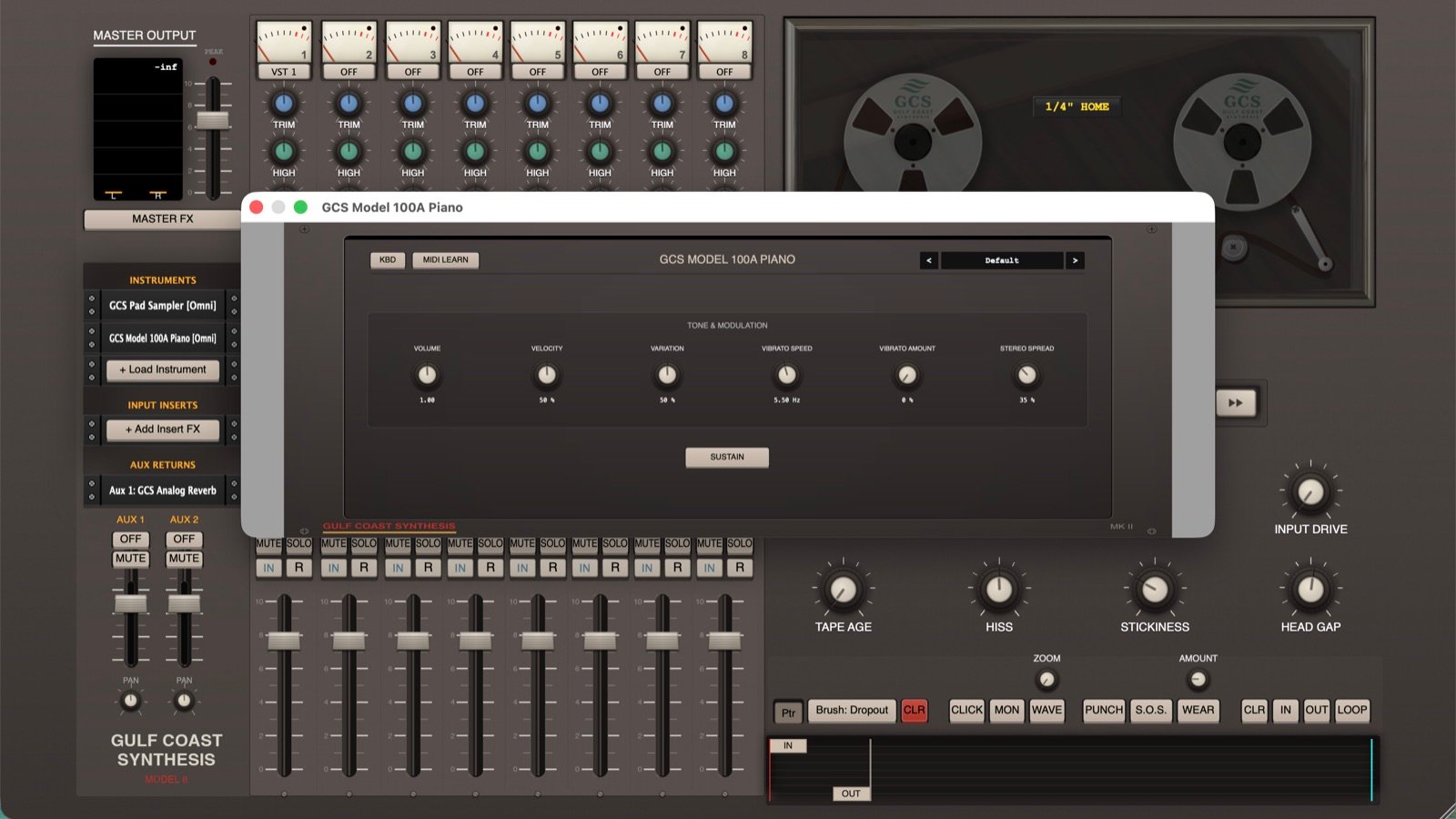
- GCS Model 100A Piano. A high quality sampled Wurlitzer electric piano.
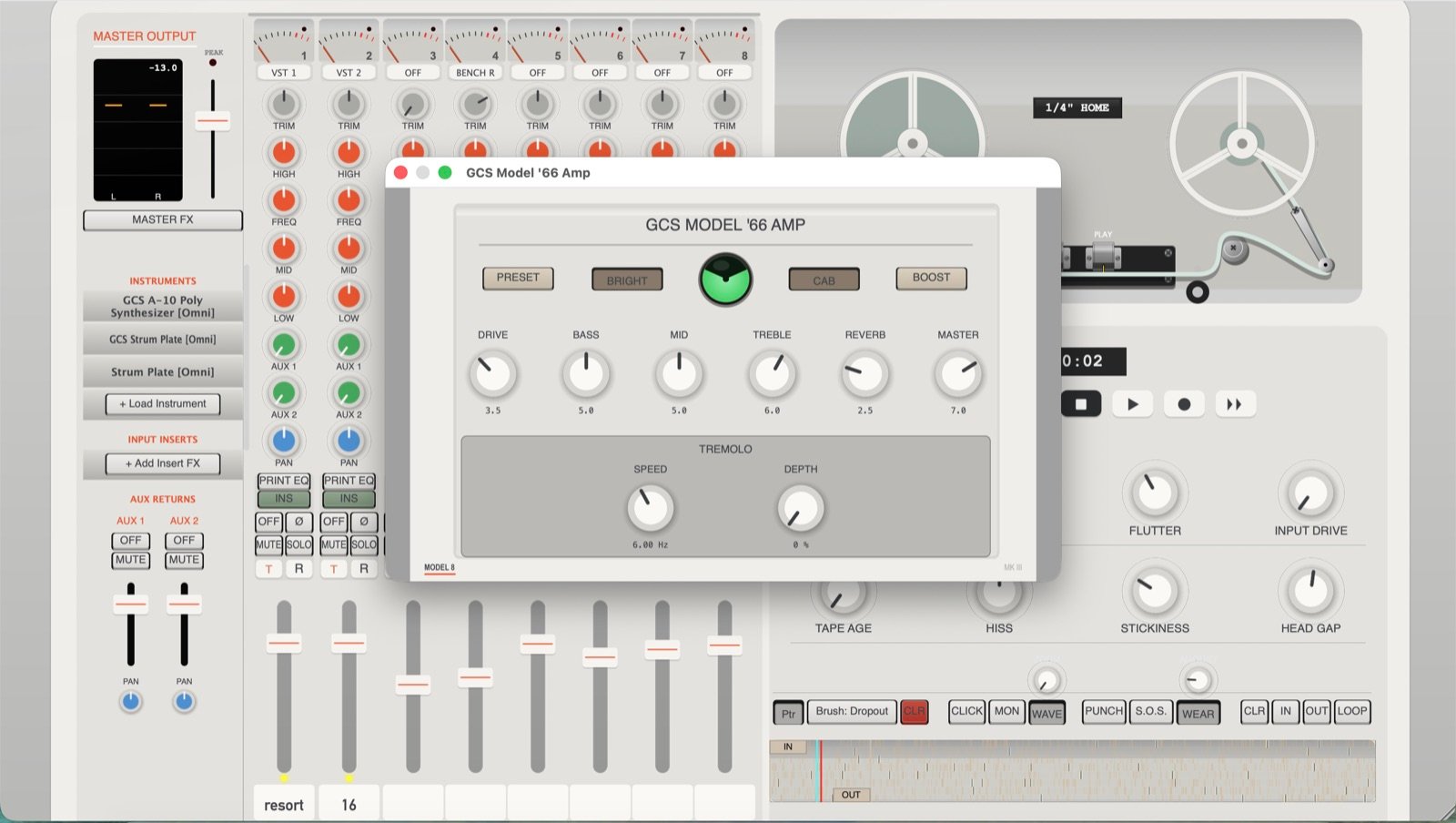
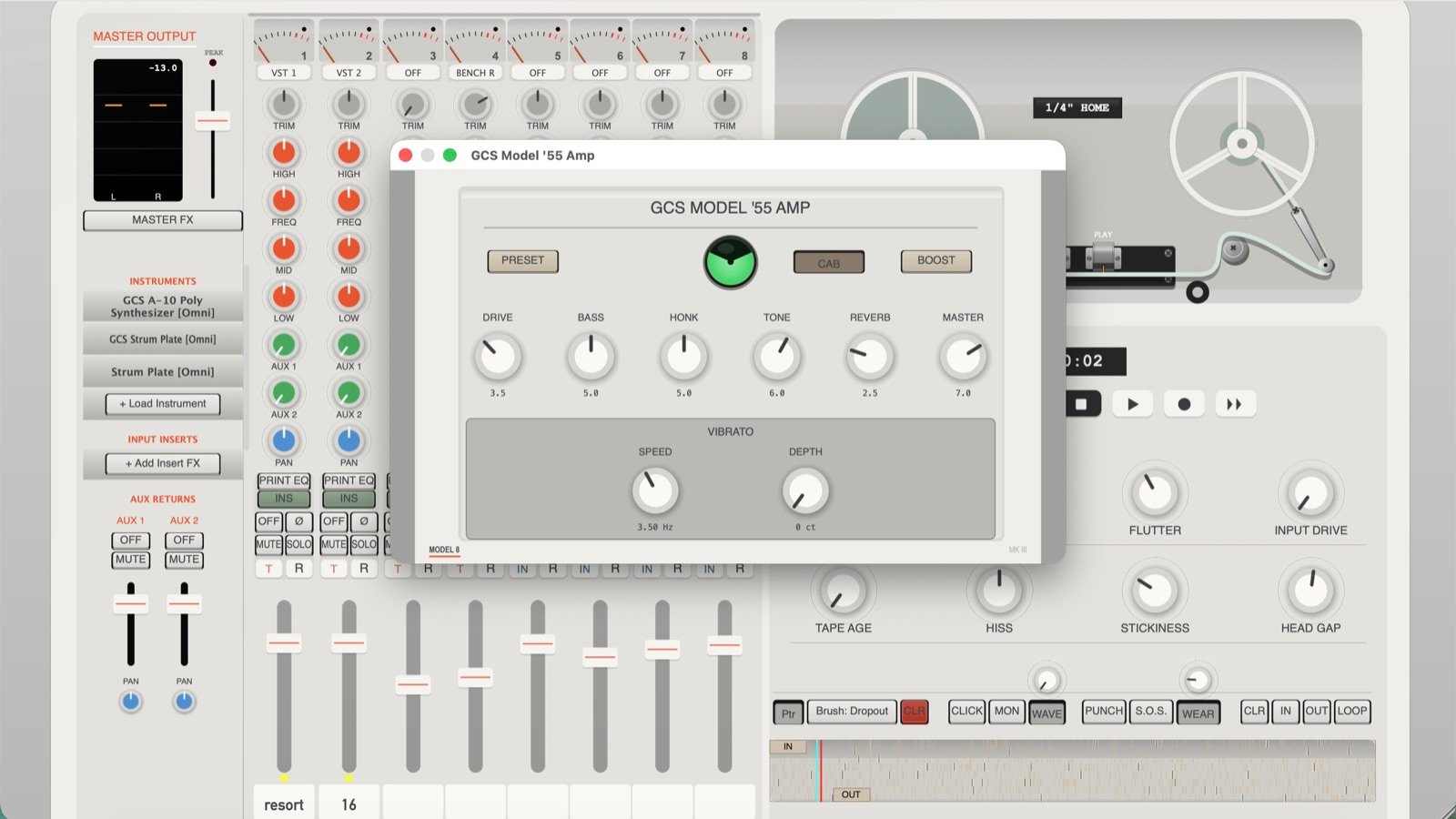
- GCS Model ’66 and Model ’55 guitar amplifiers. They sound really great with a DI’d guitar, based off my two favorite amps, the Twin Reverb and the Magnavox.
- GCS Chromatic Tuner. Insert it on an input or a channel.
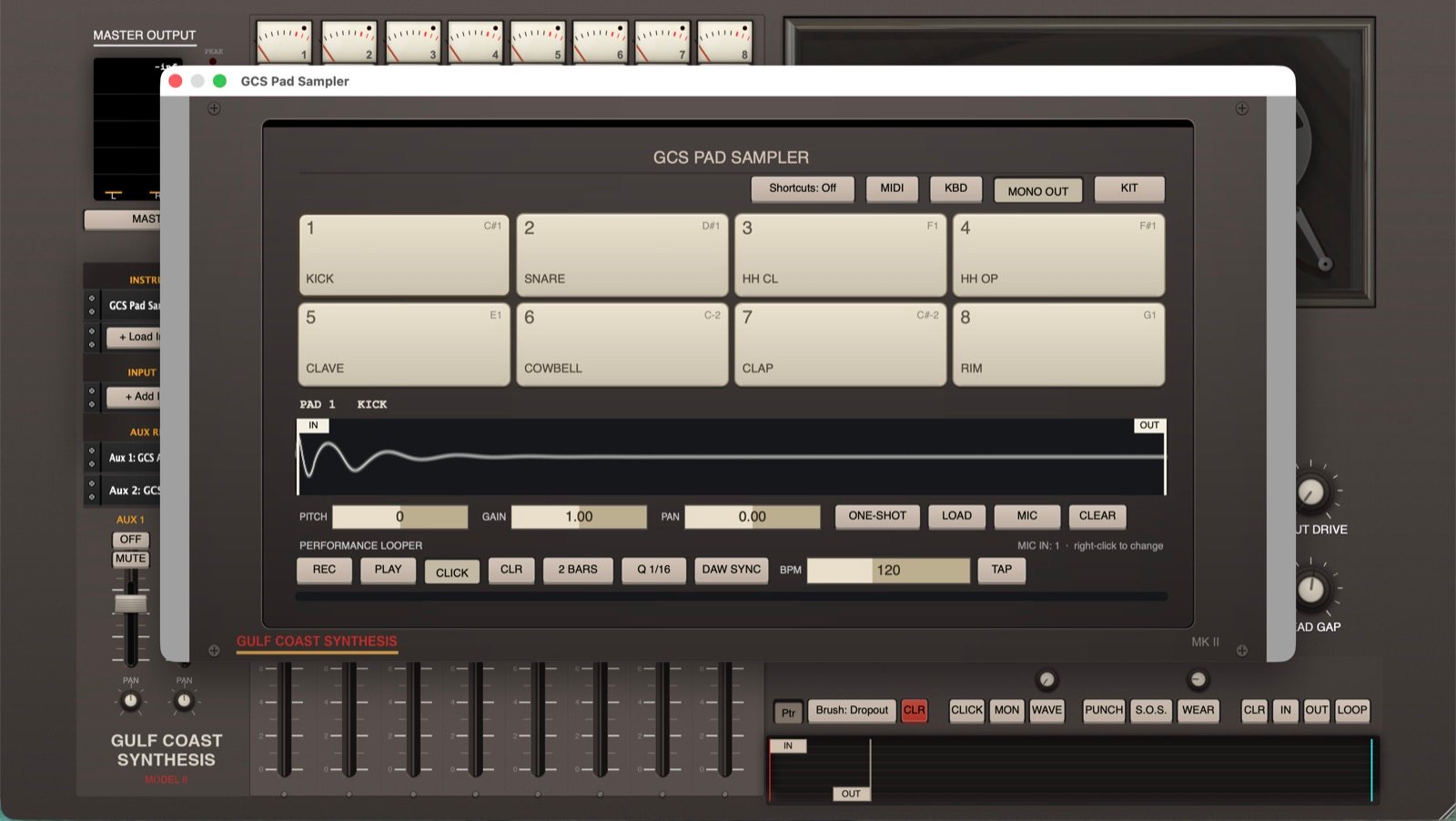
- Sampler Pad instrument.
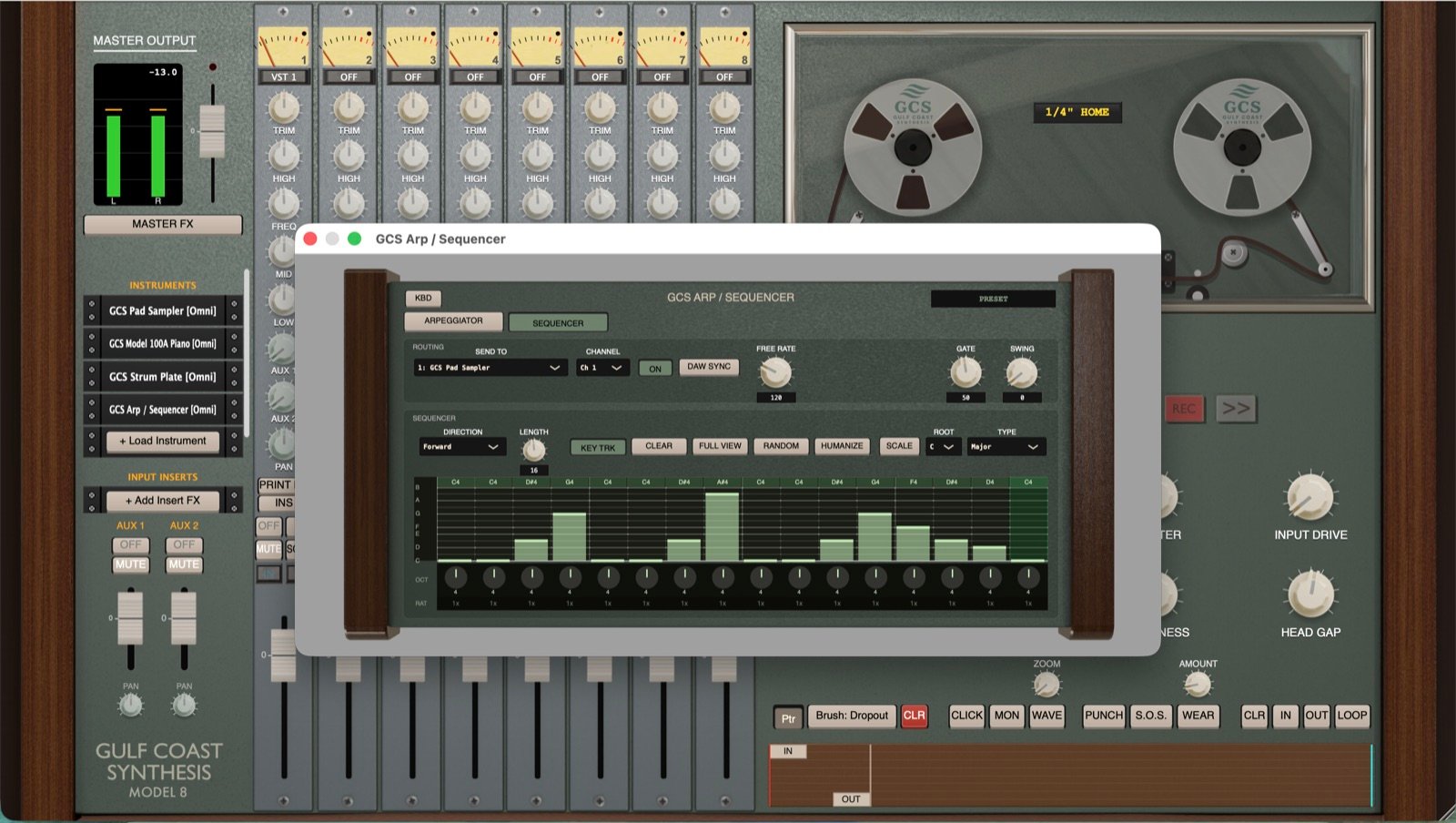
- Arpeggiator / Sequencer.
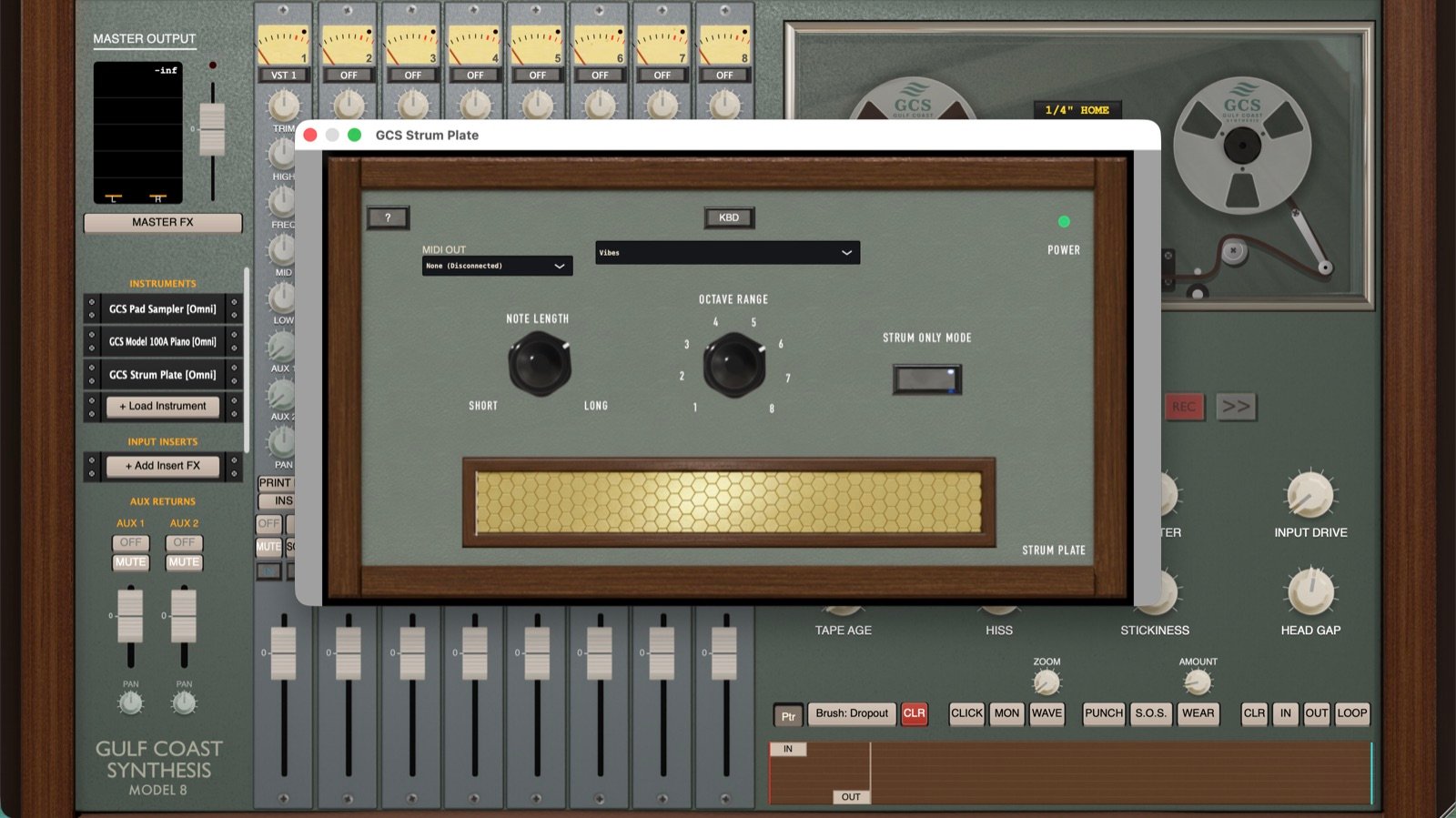
- Strum Plate. A port of my omnichord style strummer, which also includes a built in synth.
- Replace Instrument. Swap the instrument in a slot without losing that track’s recorded audio, routing or mixer settings.
- Multi-output support for VST / AU plugins.
- Internal MIDI routing between plugins.
Sync & Transport
- True Tempo Sync. Instruments, the Pad Looper and the benches now share one master clock, so sequencers, arpeggiator and loops stay locked to each other and to your DAW’s click. Press PLAY once and everything runs in time.
- Reel Lock. Sequencers, drum machines, arpeggiator, Pad Looper and bench clicks lock to the reel. Press PLAY and they land on the tape’s own bar 1 with the Head Gap compensated, so you can fly a part in over a track you already printed.
- Play starts synced devices. One PLAY press starts every tempo-synced device, dropping in on the next bar downbeat locked to the click.
- Tap Tempo.
Interface & Themes
- Track names. Name any track and show it right on the tape strip.
- New “Mk I Zoom” and “Mk II” themes, plus comprehensive new color schemes.
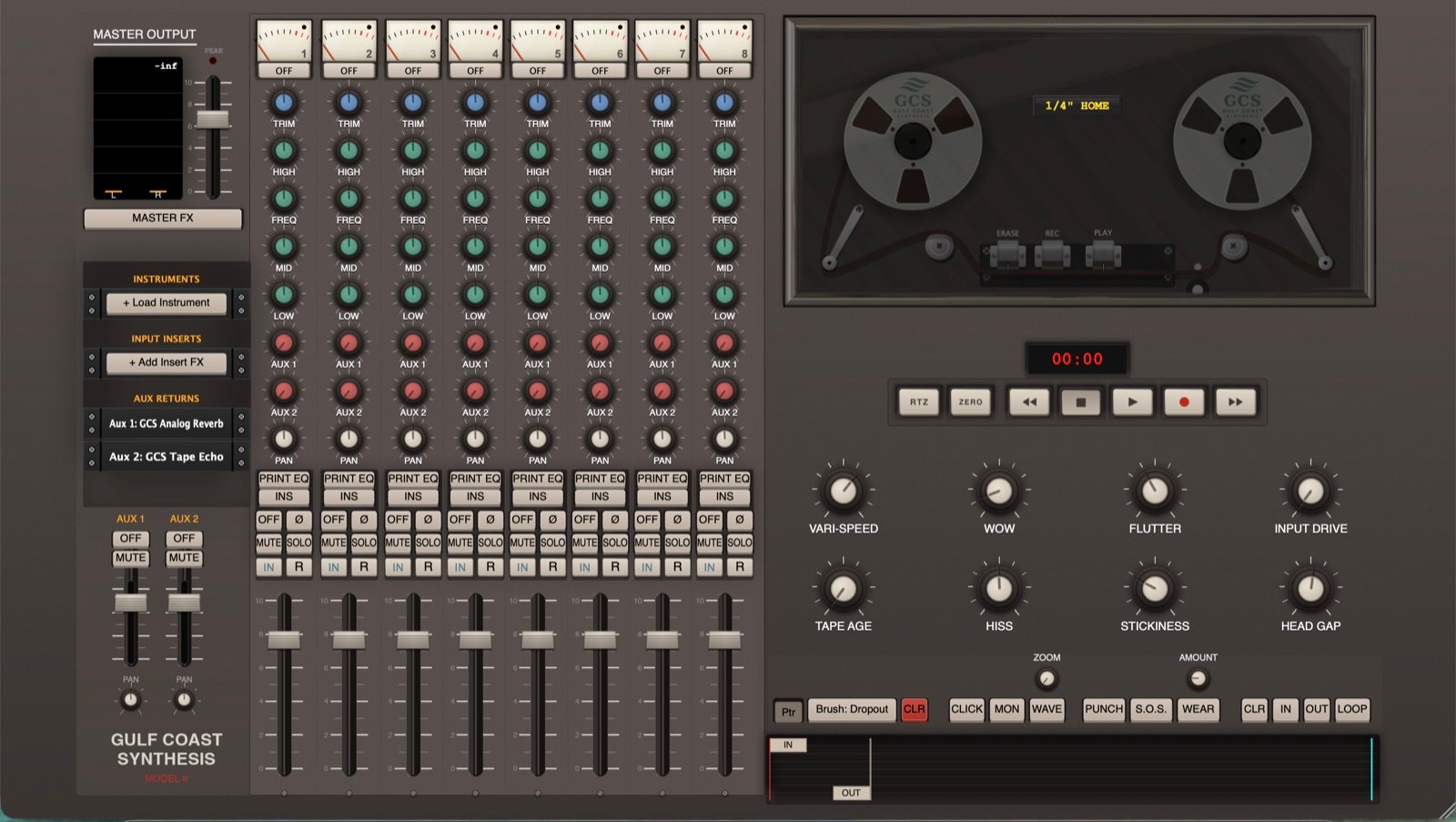
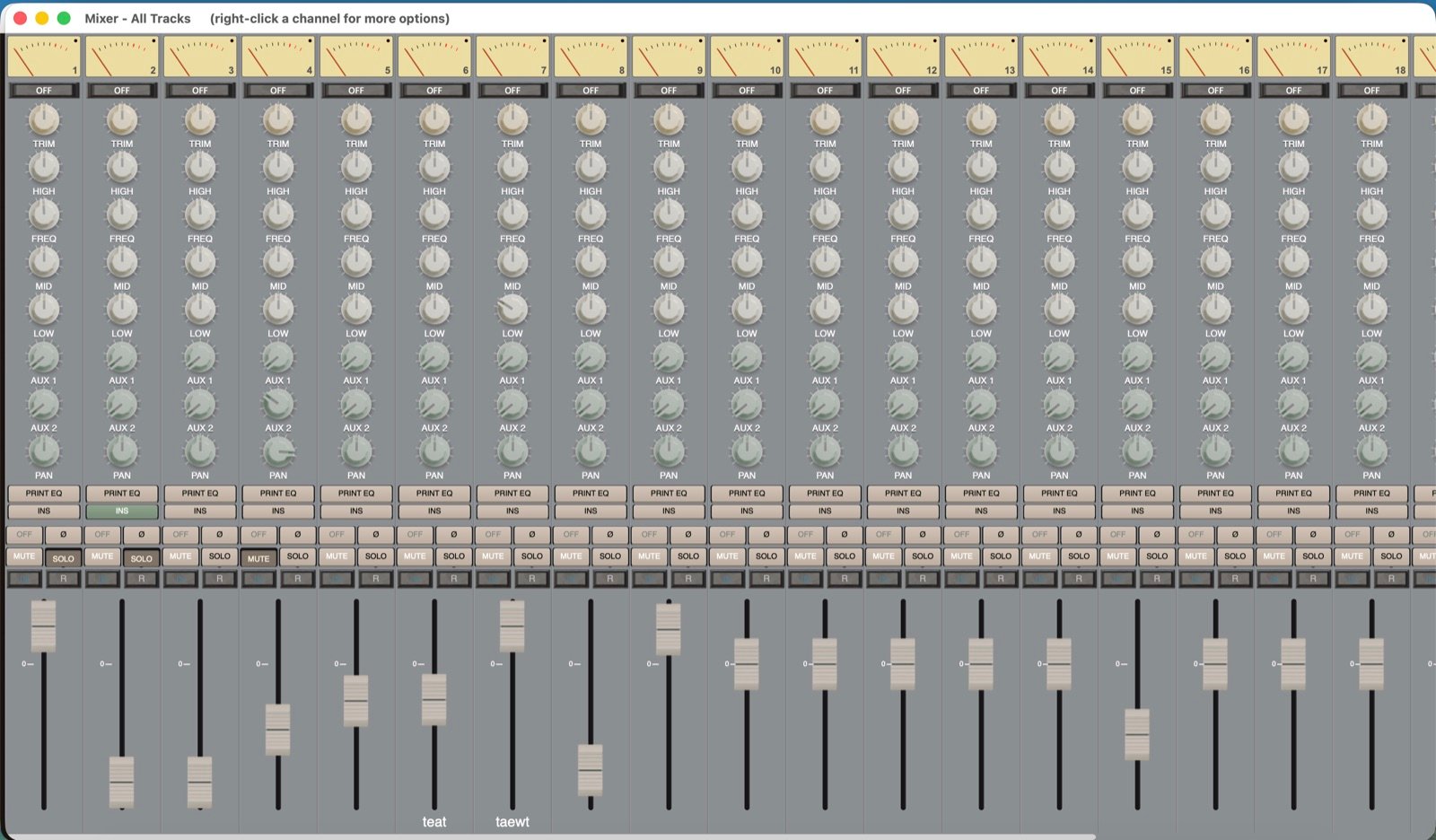
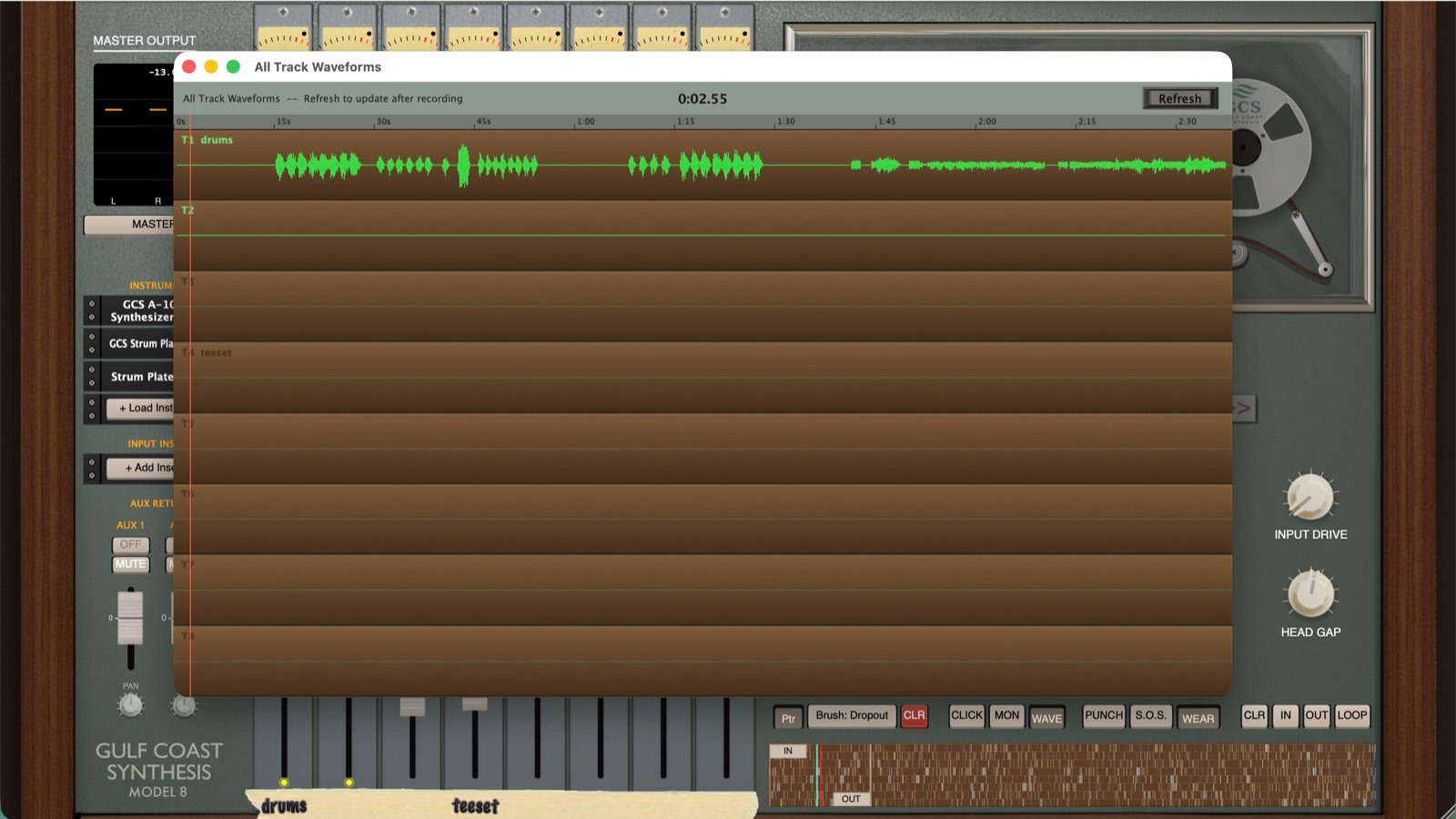
- Full-screen Mixer window (all tracks at once) and an All-Tracks waveform viewer.
- Widescreen “Fill Screen” layout for the Minimal UI, plus UI zoom and main UI text-size options.
Editing
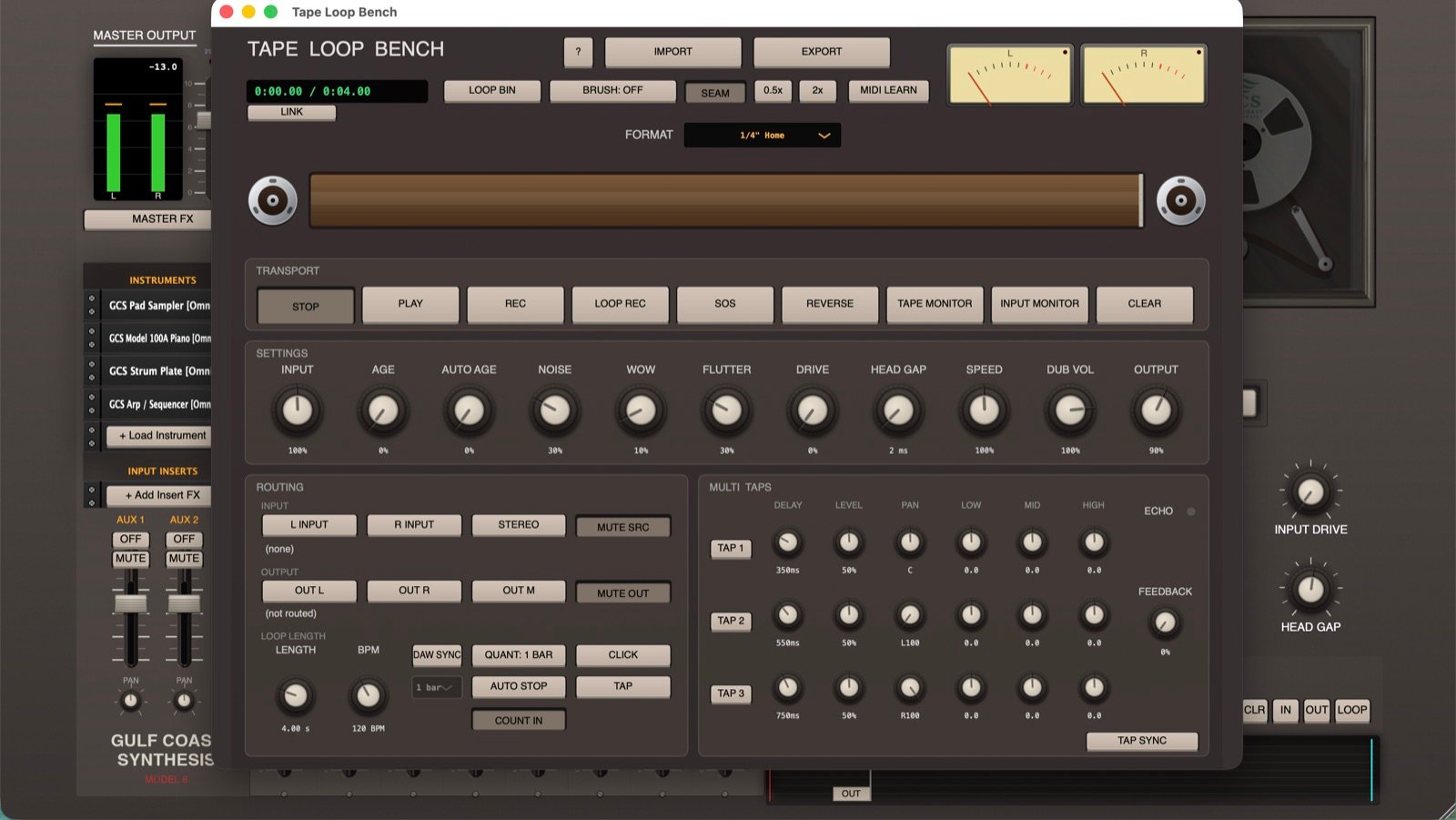
- Tape Loop Bench. A really fun new tool that adds a second tape machine with the same physics for looping, Sound on Sound, and delay. You can also just use it as an effect and play live through tape with essentially zero latency, if you want your guitar or instrument to sound like aged tape.
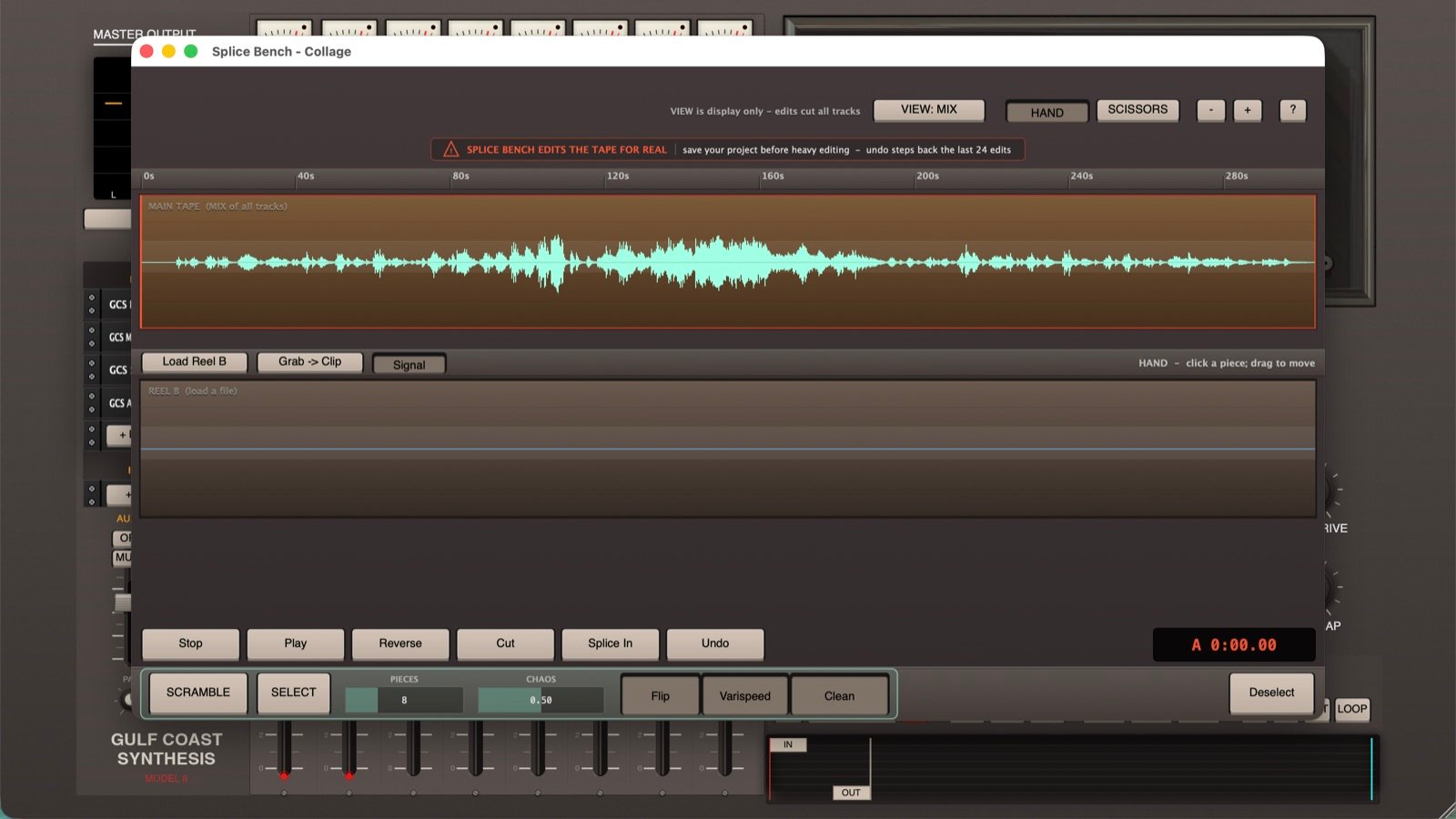
- Splice Bench. A new tool for tape-style editing like cutting and reversing. You can also do Sgt. Pepper’s style scrambling, which cuts the tape into a bunch of pieces, scrambles them, and reverses or varispeeds chunks. It also lets you load audio onto a second reel and splice in sections from it. Keep in mind, I made this work exactly like reel tape splicing, so it works globally across all of the tracks. I didn’t want to allow for too granular editing of single tracks, which would get us into typical DAW territory.
Import / Export
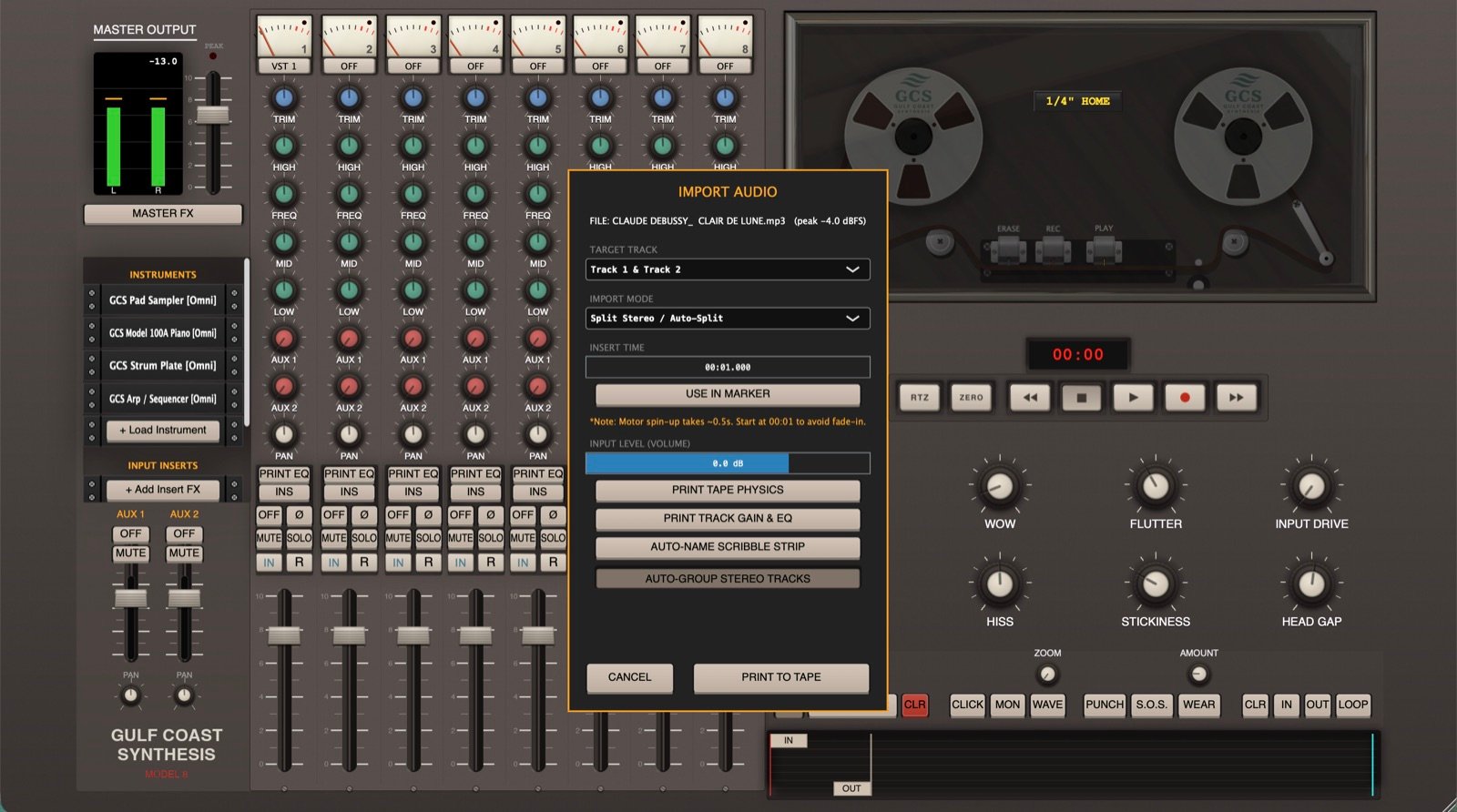
- In / Out markers. Set an in and out point to import or bounce just a section of the reel instead of the whole thing.
- Head Gap compensation on export. Bounced audio lines up with the tape instead of arriving early.
- Kit imports for Voxtone and the Sampler.
Smaller changes & fixes
- Shuttle / cue volume control (rewind, fast-forward, scrub).
- Added an early supporters list!
- Click marks now shown on the waveform. Right-click the Click button to set BPM and volume.
- Looping now defaults to a 0 ms head gap. SOS auto-disables when untoggling to prevent over-recording.
- New Tape Genie codes to find.
- Fixes: occasional pop at the start of imported audio, multi-monitor support, and keyboard focus issues.